AI Agent Configuration · New feature
Outbound phone numbers: set up and test them in the app
November 19, 2026
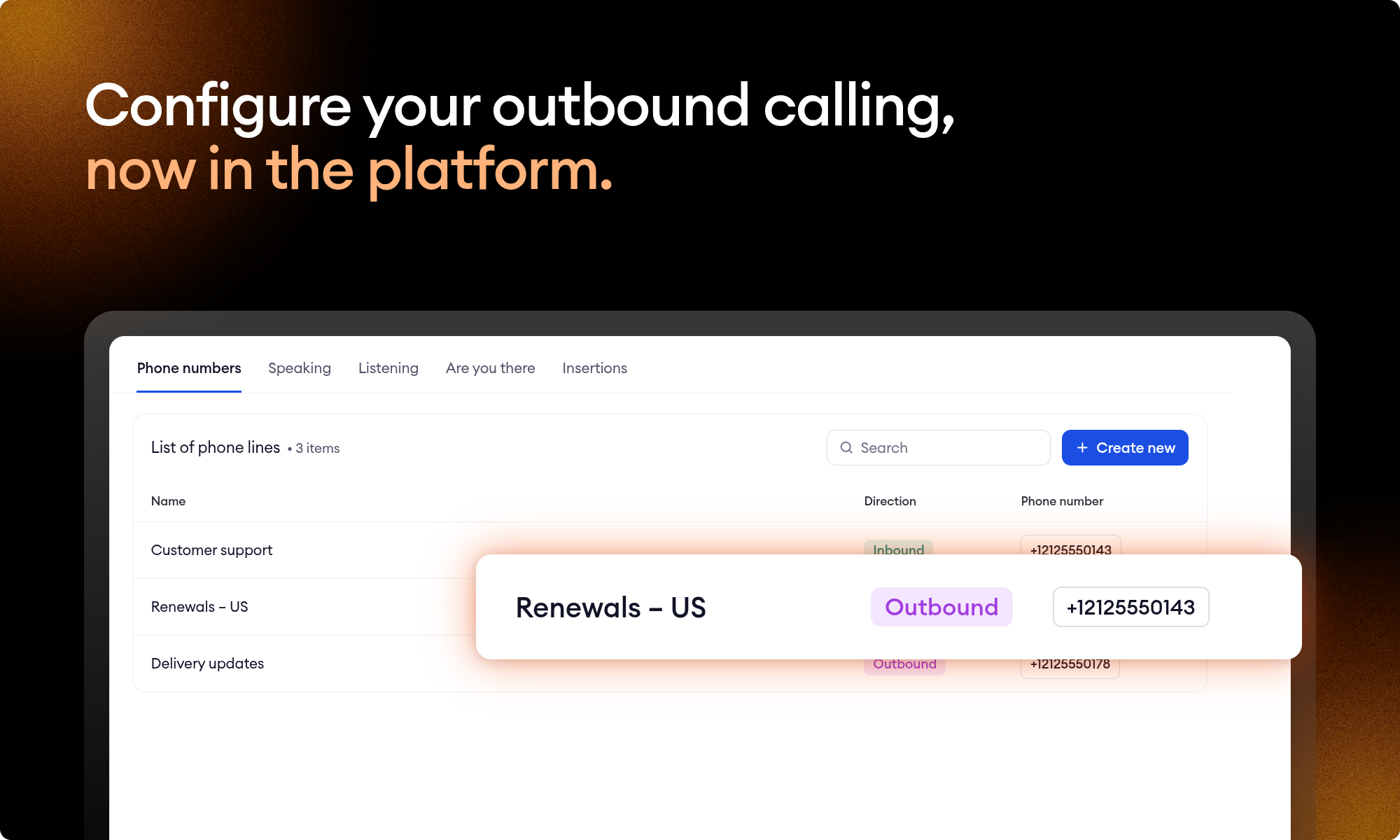
When your AI agent calls a customer, the first few seconds can make or break the call. It needs to detect the “Hello?”, know the right moment to start speaking, and hang up if the call reaches voicemail.
Until now, outbound numbers weren’t available in the platform. You couldn’t see how they were configured, and any changes to the voice, timing, or speech recognition had to go through your Zowie team.
That changes today. Outbound numbers use the same speaking and listening profiles as your inbound numbers, and you decide how each call starts. Your existing outbound numbers keep working as they are; there's nothing to redo.
What's new
- Phone numbers: one list for inbound and outbound numbers, with clear calling direction indicators.
- Voice profiles: an outbound number uses a speaking profile (the voice) and a listening profile (speech recognition), like an inbound one. In the Speaking and Listening tabs, the Used by column shows how many inbound and outbound numbers use each profile.
- Outbound calls tab: Voicemail detection, how long the AI Agent waits before it speaks, and when it starts listening.
- Test call: call your own phone from the number's page, with the number's saved settings.
Changes go live when you save. Settings on a phone number and in voice profiles apply to the next call, with no publish step. A profile is shared, so editing it also changes every inbound and outbound number that uses it. After you save, place a test call to hear the result.
How to add an outbound number
- Go to Channels → Phone → Phone numbers and select Create new.
- Choose Outbound.
- To reuse an inbound number's setup, turn on Copy from inbound number. Its name, languages and voice profiles are copied.
- Pick one of the numbers Zowie set up for your workspace. If none is free, ask your Technical Account Manager for another.
- Create the number, then open the Outbound calls tab on its page, set how the call starts and save.
Your existing outbound numbers
Each outbound number keeps its configuration, now held in a speaking and a listening profile. A number with its own setup gets profiles named after it. Numbers that were set up identically share one pair, named after its language and voice.
If the same phone number also handles inbound calls, you can make outbound calls use the same voice configuration as your inbound line. On the General tab, select Use profiles from inbound number and save your changes. Both numbers will then share the same profiles.
Good to know
- Test calls go to mobile or landline numbers in the same country as the outbound number, and end after 10 minutes.
- When a phone number takes both inbound and outbound calls, it appears in the list once for each direction, and each page links to the other.
- Deleting an outbound number stops the AI Agent calling from it. Inbound calls to the same number are not affected.
- If you use the Zowie MCP, it can also add and edit phone numbers, including outbound numbers and their voice profiles.
Questions? Reach out to your Technical Account Manager.
Stop leaving your processes to probability
See how Flows and Decision Engine guarantee that every step of your process runs exactly as designed.