AI Agent Configuration · Improvement
Touch-tone input for Voice: press # to submit
October 20, 2026
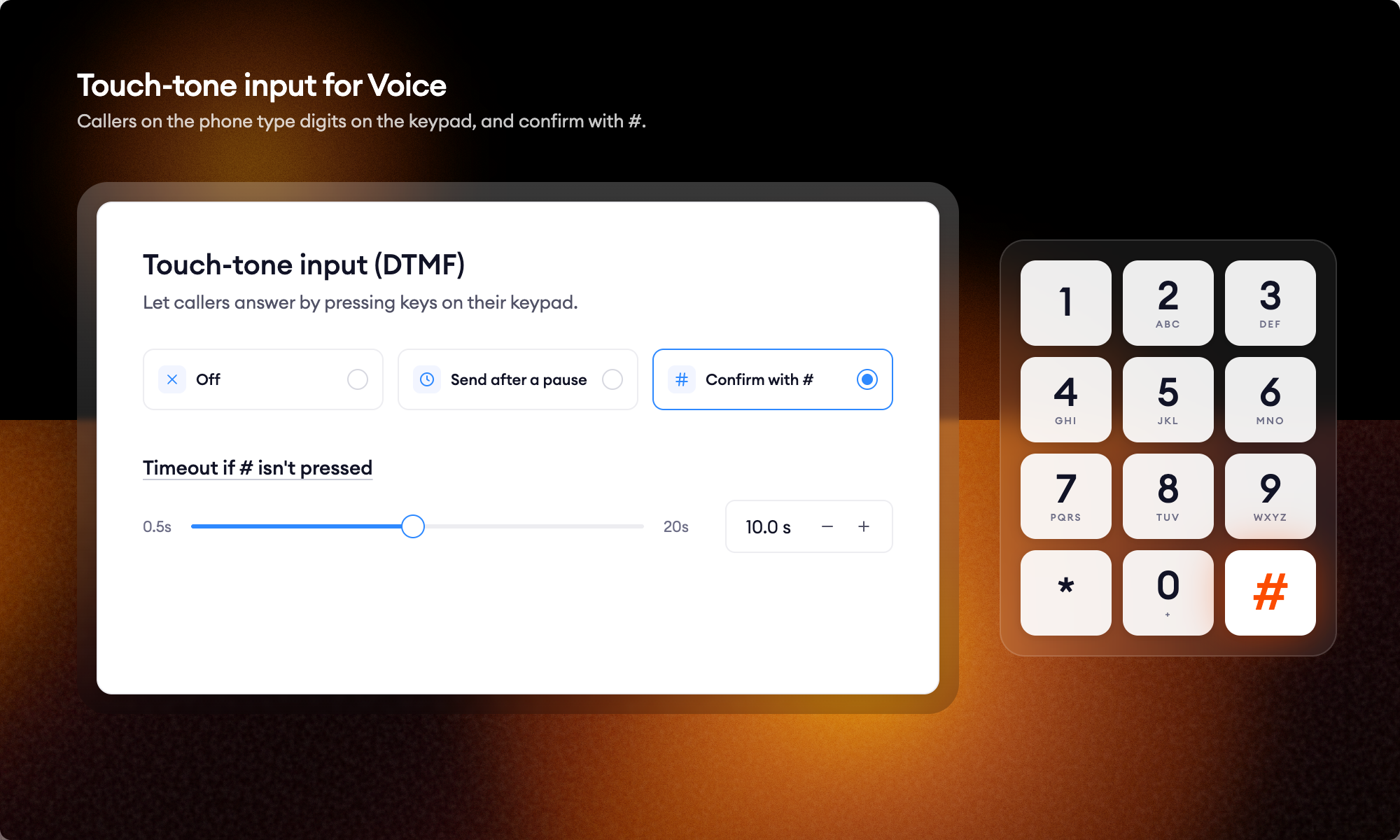
Long numbers read aloud are hard on speech recognition. A two over a speakerphone can come back as a ten, and the caller has to repeat the whole account number.
When a flow needs an order number, a postal code, or a PIN, the caller can say it or key it in on the phone keypad. Both have always worked. What changed is how the caller tells the AI Agent they are done: they can now press #, so the flow waits for the full number instead of guessing from a pause. A caller can stop to check an email, finish typing, press #, and the flow moves on with exactly what was entered.
Two ways to decide when the caller has finished
- Finish on #. The caller keys in the digits and presses # to submit. For callers who never press #, set a timeout after which the digits entered so far are passed to the AI Agent.
- Finish after a set time. The AI Agent waits a defined number of seconds after the last keypress, then processes what was entered. No # required.
Tell the caller the keypad is an option
Enabling the setting does not change what the AI Agent says. Add the instruction to the Guideline on the Collect Data step where the digits are collected, for example: “You can say the number or enter it on your keypad, then press the pound key.”
Without that Guideline the feature is live but invisible.
Where to turn it on
Channels → Voice → Listening profile.
Stop leaving your processes to probability
See how Flows and Decision Engine guarantee that every step of your process runs exactly as designed.