AI Agent Configuration · New feature
Unexpected File Moment: your AI Agent now replies to files it wasn't expecting
November 27, 2026
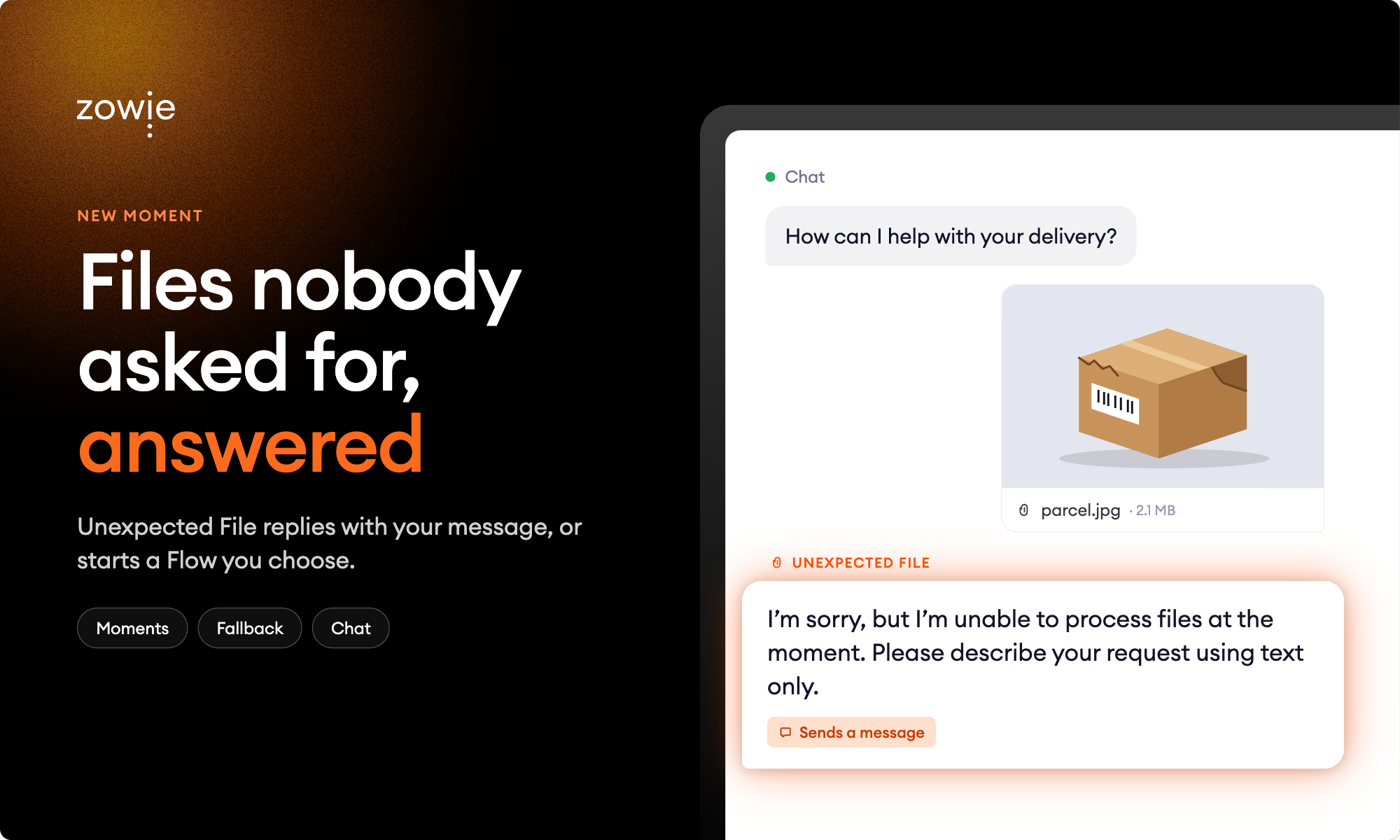
A customer drops a screenshot into the chat to show what went wrong. The AI Agent usually says nothing. Or, inside a Flow, it takes the screenshot as the answer to whatever question was waiting, and the Flow moves on as if that question had been answered.
The Unexpected File Moment fixes that. It's already on, with a built-in reply you can change or replace with a Flow. It also changes your Flows: a file no longer counts as the answer to a waiting step, unless that step is a Collect Data block asking for a file. If a Flow asks customers for a photo or a document any other way, switch that step to Collect Data.
What it does
- Send a message (the default): the AI Agent replies with your message. A Flow that was running stays on its step and carries on when the customer replies.
- Start a flow: the Flow you choose takes over and gets the file. A Flow that was running ends.
A Collect Data block that asks for a file still gets the file. The Moment doesn't run then.
What changes in your Flows
Files no longer move a Flow forward. Only a Collect Data block that asks for a file takes a file as the answer. Any other waiting step now gets the Unexpected File reply, and the Flow stays on its step. That includes a Message block waiting for the customer to respond, an External Agent block, and a Collect Data block asking for something else. If a Flow asks customers to send a photo or a document, collect it with a Collect Data block.
Changing the reply
There's nothing to switch on: the Moment runs in Chat for every AI Agent with Moments turned on. Until you change it, your AI Agent sends a built-in message: "I’m sorry, but I’m unable to process files at the moment. Please describe your request using text only." It comes in many languages.
To change it, go to Moments → Fallback → Unexpected File:
- Write your own message for each region. Restore default brings the built-in message back.
- Translate to all regions translates your message into the regions that still use the built-in one.
- Or choose Start a flow and pick the Flow.
The setting is saved with each version, so you can try a change in Staging before it goes Live.
Good to know
- Chat only: the widget, WhatsApp, Messenger and other chat channels. Email and voice conversations aren't affected.
- If the Flow you picked is deleted, the AI Agent sends the message instead.
- The reply is fixed text, not generated by AI.
Moments has new tabs
The Moments page now has three tabs: Essential, Fallback and Advanced. Unexpected File and System Error are under Fallback. System Error is the Moment we introduced as the Error Moment. Only its name and place have changed.
Questions? Reach out to your Technical Account Manager.
Stop leaving your processes to probability
See how Flows and Decision Engine guarantee that every step of your process runs exactly as designed.