AI Agent Configuration · New feature
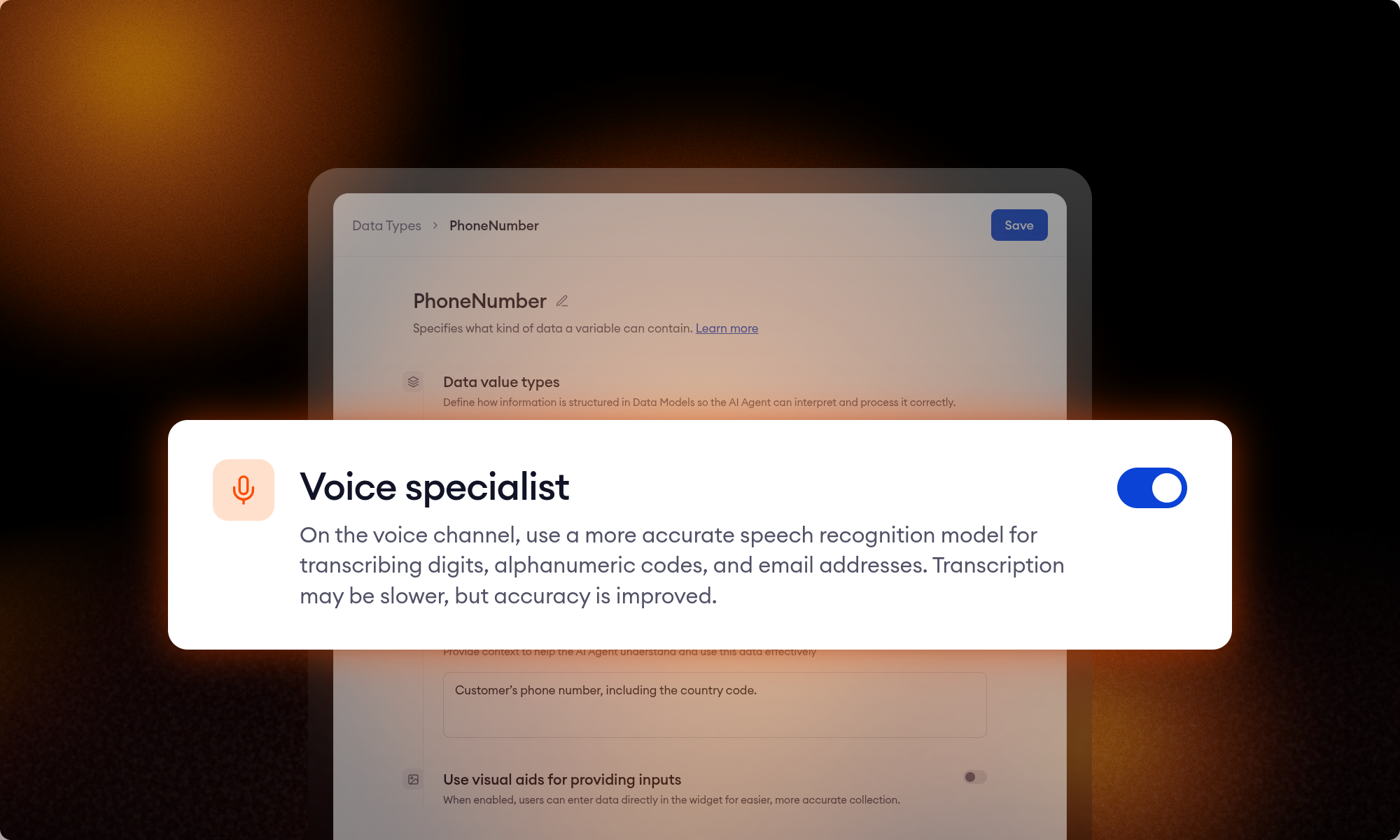
Voice specialist: accurate transcription of digits, codes, emails
October 26, 2026
A caller reads out their order number. The AI Agent drops a digit, or hears the wrong one, and the lookup fails. The caller reads it again. Speech recognition is built for conversation. It is weakest on the values callers dictate: order numbers, PINs, postcodes, booking references, email addresses.
The Voice specialist fixes that. Turn it on for a Data Type, and the AI Agent switches to a model built for dictated values while it collects that data.
What Voice specialist does
Every phone number uses a listening profile. That profile fits conversation well, but not values a caller spells out character by character. The Voice specialist is a second speech recognition model the AI Agent uses only for the turn in which it collects a variable of a selected Data Type. Once the value is collected, the conversation returns to the number’s own listening profile.
It works best for:
- Numbers: order numbers, account numbers, PINs, phone numbers
- Alphanumeric codes: postcodes, booking references, serial numbers, license plates
- Email addresses
How to turn it on
Go to Data Types, open a Data Type, and switch on Voice specialist. Every variable that uses this Data Type is now collected with the specialist. You don’t need to change the phone number, its listening profile, or your Flows.
The trade-off: accuracy for a little latency
The specialist is more accurate, but it takes slightly longer to return what the caller said. Only the collection turn pays that cost; the rest of the conversation runs at its usual speed. That’s why the specialist is a per-Data-Type switch and not a global setting. Use it where a misheard character breaks the process. Skip it for free-form answers, like names or a description of the problem.
Getting the most out of it
Ask for one value per question. If a single question collects a booking reference and a name together, the specialist also listens to the name, and it’s tuned for codes, not names.
Limitations
- Not available for Boolean and File Data Types.
- Not supported for variables nested inside an object Data Type.
Questions? Reach out to your Technical Account Manager.
Stop leaving your processes to probability
See how Flows and Decision Engine guarantee that every step of your process runs exactly as designed.