Conversation SDK · New product
Zowie Conversation SDK: one setup for your website and your mobile apps
November 9, 2026
Say your website adds a feature like voice. When the conversation in your mobile app is built separately, your customers in the app get it later, once two things happen: someone builds it again for mobile, and your team ships an app release that includes it. Until then, the same customer can talk to your AI agent on your website and can only type to it in your app.
Zowie Conversation SDK closes most of that gap. It's one product for your website and your mobile apps, with SDKs for Android, iOS, React Native and Flutter. Every platform renders the same conversation with your AI agent, in text chat or by voice with Hello, so what works on your website today works in your app.
What this changes day to day
Your customers meet one experience, everywhere. It looks and behaves the same on your website and in your app, on Android and iOS. A customer who knows it from your website recognizes it in your app.
Everything on your website today is in your app. Dark mode, right-to-left languages, rich content and Hello, our voice channel, already work on mobile. Customers can switch between typing and talking within one conversation. No separate mobile version to wait for.
Most improvements reach your app users without an app release. When the conversation experience gets better, your app users get most changes at the same moment your website visitors do, with no wait for App Store or Google Play review. The occasional change needs a new SDK version, which your team updates like any other library in your app.
One setup, less work for your mobile team. Your website and your apps share one configuration in Zowie. The SDKs use the same options and methods on every platform, so a team that has set up Zowie on your website already knows them. Minimal native dependencies mean fewer conflicts with the rest of your app.
Where to find it
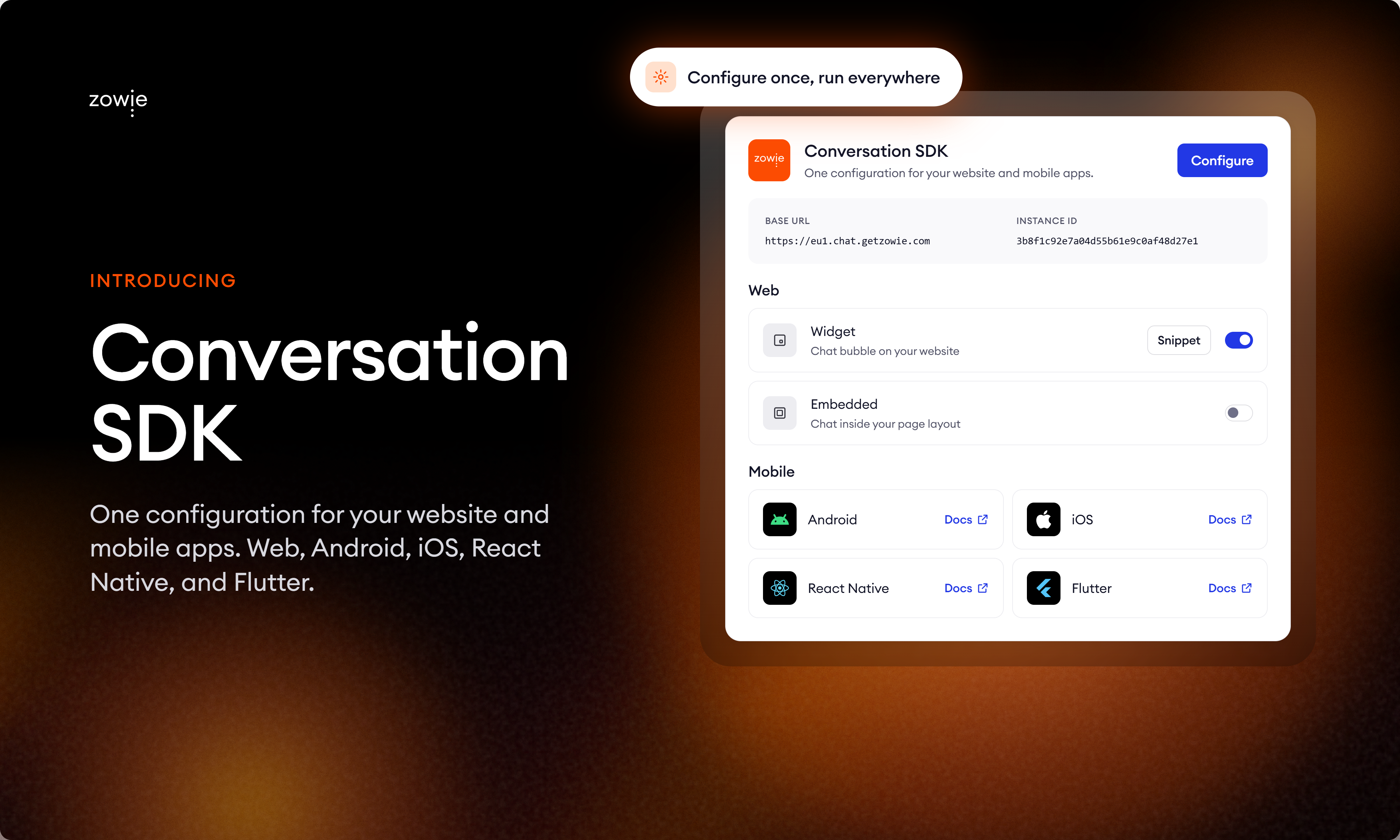
In Zowie, go to Automate → Channels and open the Conversation SDK card. It keeps everything in one place: your Base URL and Instance ID, the website options (a chat bubble or a chat embedded in your page layout), and links to each mobile SDK.
The Conversation SDK documentation covers setup on every platform, from the website snippet to the mobile apps. Each mobile SDK also has its own setup guide:
- Conversation SDK for Android
- Conversation SDK for iOS
- Conversation SDK for React Native
- Conversation SDK for Flutter
If you use Zowie on your website
Nothing changes for you. Your website setup is now Conversation SDK for Web and keeps working as it is.
Moving to the new mobile SDKs
Conversation SDK replaces the previous Zowie mobile SDKs. There is no old code to convert: your team adds the new SDK using the setup guide for your platform, then removes the previous one. If they have set up Zowie on your website, the API will look familiar.
Your current mobile integration keeps running while you plan the change:
- Until February 28, 2027: supported. The previous mobile SDKs are fully supported.
- From March 1, 2027: end of support. The previous SDKs keep working, but we no longer release fixes or updates for them. If you run into a dependency conflict, need a library update or hit an issue in your setup, the answer is Conversation SDK.
- September 30, 2027: end of life. The previous SDKs stop working.
We recommend making the switch in an app release before March 1, 2027.
Stop leaving your processes to probability
See how Flows and Decision Engine guarantee that every step of your process runs exactly as designed.