Integrations · AI Agent Configuration · Improvement
Zowie MCP can now edit knowledge, transfers and Out of office
November 24, 2026
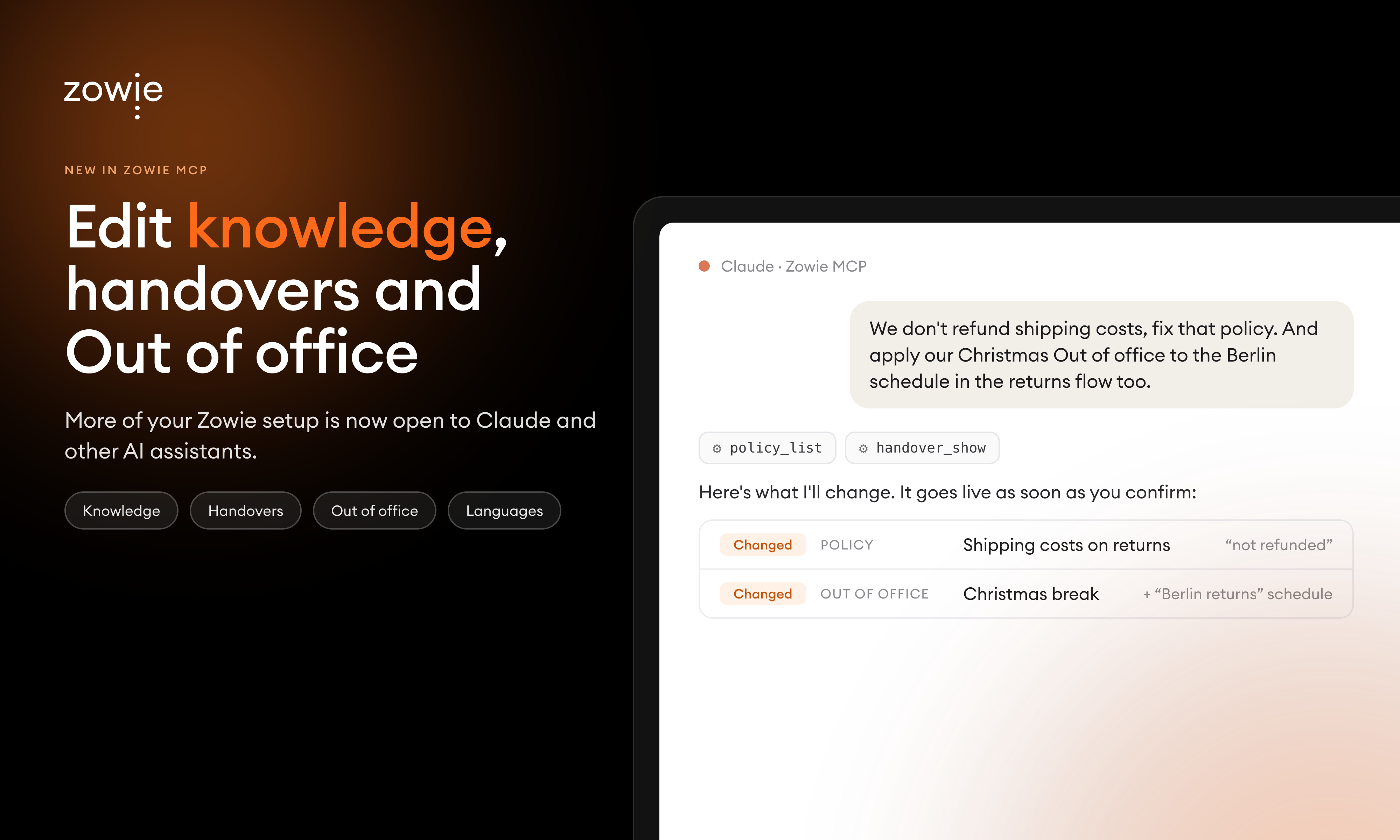
A customer is told you refund shipping costs. You don't. Your assistant can already find the conversation and the answer. Now it can also fix the source: find the policy, correct the wording and switch it back on.
Knowledge. Paste your assistant a page from your site or a few lines of your own and ask it to turn them into a policy. It can also fix a policy's wording, switch it on or off, and tidy up categories and tags. Policies it adds start switched off, so you read them before customers do.
Transfers. Ask your assistant where each handover routes, and have it change the routing, add a handover for a process or remove one nobody uses. Its edits land on staging, so nothing changes for customers until you publish.
Working hours and Out of office schedule. Create working hours for a new team, or apply an Out of office schedule you already have, like your Christmas break, to more of the schedules your flows check. The dates and messages of an Out of office schedule are still set in Zowie.
New languages. Ask it to add a region for a new market. Zowie translates your agent's existing messages, and the assistant switches it on once the translation is done.
Sharper debugging. Ask it to narrow an interaction's log to a time window or event type, and on phone calls to show what speech recognition heard, interruptions and keypad input. Test calls it places can now carry the dialled number, so the flow takes the same branch a real call would.
Available now. Handover edits need the Edit the staging version permission. Knowledge, working hours, Out of office schedule and languages have no staging copy, so they go live as soon as you confirm and need the Publish to production permission and an AI Agent set to Write to live. Docs: docs.zowie.ai/docs/zowie-mcp-server
Stop leaving your processes to probability
See how Flows and Decision Engine guarantee that every step of your process runs exactly as designed.